
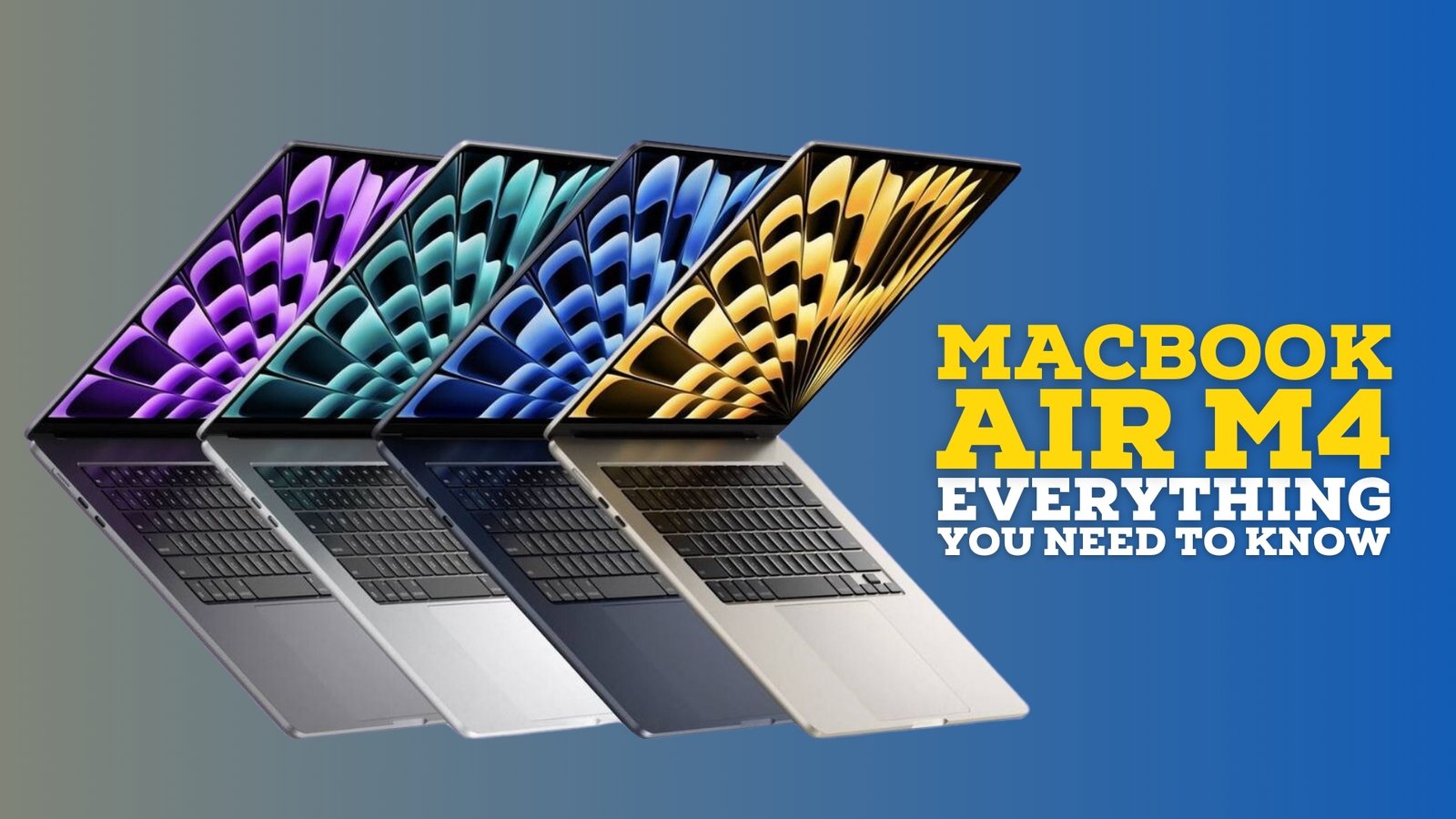

MacBook – Design, Performance, and Features Explained
Apple’s MacBook series continues to set benchmarks in design, performance, and user experience. This detailed blog explores its features, display, performance, battery life, and suitability for professionals, students, and creatives.
1. Introduction: Apple’s Legacy in Laptops
The MacBook series has long been a symbol of premium computing. Combining sleek design, high performance, and seamless software integration, MacBooks cater to students, professionals, and creative users alike. With Apple Silicon chips and continuous innovation, the MacBook remains competitive in a crowded laptop market.
The MacBook ecosystem emphasizes performance, portability, and longevity, making it a preferred choice for those who prioritize reliability, efficiency, and a refined user experience.
2. Design and Build Quality
MacBooks are renowned for their minimalist design and durable construction. Key features include:
- Lightweight aluminum unibody chassis, providing strength and premium aesthetics.
- Slim profiles ranging from 11mm to 16mm, enhancing portability.
- Retina displays with edge-to-edge glass for a clean and modern look.
- Available in colors like Silver, Space Gray, and Midnight.
The combination of lightweight design, premium materials, and precise engineering makes MacBooks visually appealing and comfortable for daily use.
3. Display Technology
MacBooks feature Apple’s Retina display with True Tone and P3 wide color gamut. Highlights include:
- Resolution: Up to 3072 x 1920 pixels on 16-inch models.
- Brightness: Up to 500 nits for vivid visuals in bright environments.
- High contrast ratio for clear, detailed images.
- ProMotion technology (120Hz refresh rate) for smooth scrolling and responsiveness.
The display delivers exceptional color accuracy, ideal for photo editing, video production, and creative tasks requiring precise visual fidelity.
4. Performance and Apple Silicon
The latest MacBooks are powered by Apple Silicon chips, such as M2 and M3, delivering industry-leading performance and energy efficiency. Key aspects include:
- Unified memory architecture for faster data access and multitasking.
- 8- to 12-core CPU options depending on the model, offering seamless performance for professional workloads.
- Up to 16- to 19-core GPU options for creative software and gaming applications.
- Neural Engine for AI and machine learning tasks, boosting productivity tools and creative software.
These chips allow MacBooks to handle video editing, 3D rendering, coding, and multitasking efficiently while maintaining quiet operation and low energy consumption.
5. Software Integration and macOS
MacBooks run macOS, a stable and user-friendly operating system optimized for Apple hardware. Features include:
- Continuity with iPhone and iPad for calls, messaging, and file sharing.
- Universal Control for seamless use with multiple Apple devices.
- Optimized software for professional applications like Final Cut Pro, Logic Pro, and Adobe Creative Cloud.
- Regular security updates and long-term software support.
The combination of hardware and macOS ensures smooth, integrated, and efficient user experiences.
6. Keyboard, Trackpad, and Input Devices
Apple focuses on ergonomics and precision in input devices:
- Magic Keyboard with scissor mechanism for comfortable typing and reduced errors.
- Large Force Touch trackpad with haptic feedback for precise navigation.
- Touch ID sensor for secure authentication and Apple Pay.
- Option to use Apple Pencil on supported devices via sidecar for creative work.
7. Battery Life and Portability
Battery efficiency is a key strength of MacBooks:
- Up to 21 hours of video playback on some M3-powered models.
- Adaptive energy-saving technologies in macOS to extend daily usage.
- Fast charging capabilities for convenience on the go.
- Lightweight and compact design makes it ideal for travel and remote work.
MacBooks offer a full-day experience without frequent charging, making them suitable for students, professionals, and content creators.
8. Storage and Memory Options
MacBooks offer versatile storage and memory configurations:
- SSD storage ranging from 256GB to 2TB for high-speed access.
- Unified memory options from 8GB to 64GB, enabling seamless multitasking.
- Expandable external storage options through Thunderbolt/USB4 ports.
This ensures fast performance for professional applications and smooth handling of large files.
9. Connectivity and Ports
Modern MacBooks focus on essential connectivity:
- Thunderbolt / USB4 ports for fast data transfer and peripheral connectivity.
- 3.5mm audio jack for headphones and professional audio devices.
- Wi-Fi 6 and Bluetooth 5.3 for stable wireless connections.
- Optional HDMI and SD card readers on select models for enhanced compatibility.
10. Security and Privacy Features
Apple emphasizes data privacy and security in MacBooks:
- Secure Enclave for encrypted storage of passwords and sensitive data.
- Touch ID for secure login and authentication.
- macOS privacy settings to manage app permissions, location services, and tracking protection.
11. Price and Variants
MacBook pricing varies depending on size, performance, and configuration:
- MacBook Air: Starting around ₹99,900 in India.
- MacBook Pro 13-inch: Starting around ₹1,29,900.
- MacBook Pro 16-inch: Starting around ₹2,39,900.
- Higher storage and memory options increase the price accordingly.
12. Who Should Consider Buying a MacBook?
MacBooks are ideal for a variety of users:
- Students needing portability and productivity tools.
- Professionals seeking long-lasting, reliable performance.
- Creatives requiring high-performance hardware for video, design, and audio work.
- Users invested in the Apple ecosystem for seamless device integration.
13. Pros and Cons
Pros:
- Premium, durable design and lightweight portability.
- Long battery life and energy-efficient Apple Silicon chips.
- High-resolution Retina displays with True Tone and color accuracy.
- Seamless integration with macOS and other Apple devices.
- Quiet, fanless designs in MacBook Air for noise-free operation.
Cons:
- Higher price compared to similar Windows laptops.
- Limited ports on some MacBook Air models.
- Not all software or games are natively supported on macOS.
14. Comparison with Other Laptops
MacBooks are often compared with premium Windows laptops:
- Windows laptops may offer more ports and customization options.
- MacBooks have superior battery life, ecosystem integration, and macOS stability.
- Creative professionals often prefer MacBooks due to software optimization and display accuracy.
15. Tips for Buying a MacBook
- Identify your primary use: casual work, creative tasks, or professional heavy workloads.
- Consider battery life, portability, and display size according to your needs.
- Check RAM and storage options for multitasking and large files.
- Review macOS compatibility for required applications.
16. Future of MacBooks
Apple continues to innovate in chip technology, battery life, and display quality. Future MacBooks may feature:
- Next-generation Apple Silicon chips with enhanced performance.
- Improved graphics for gaming and professional design work.
- Better battery life and energy efficiency.
- Integration with AR/VR devices and advanced AI features.
17. Conclusion
MacBooks remain a leading choice for users who value premium design, reliability, and performance. With advancements in Apple Silicon, Retina displays, and battery efficiency, they continue to meet the needs of students, professionals, and creatives.
Whether for office work, creative projects, or casual use, MacBooks provide a seamless and integrated computing experience that maintains Apple’s reputation for quality and innovation.
Disclaimer: This article is for informational purposes only. Prices, features, and specifications are based on publicly available information at the time of publication. Actual performance and configurations may vary by region and model. Readers should verify details from Apple’s official website or authorized retailers.